
Who unfollowed you
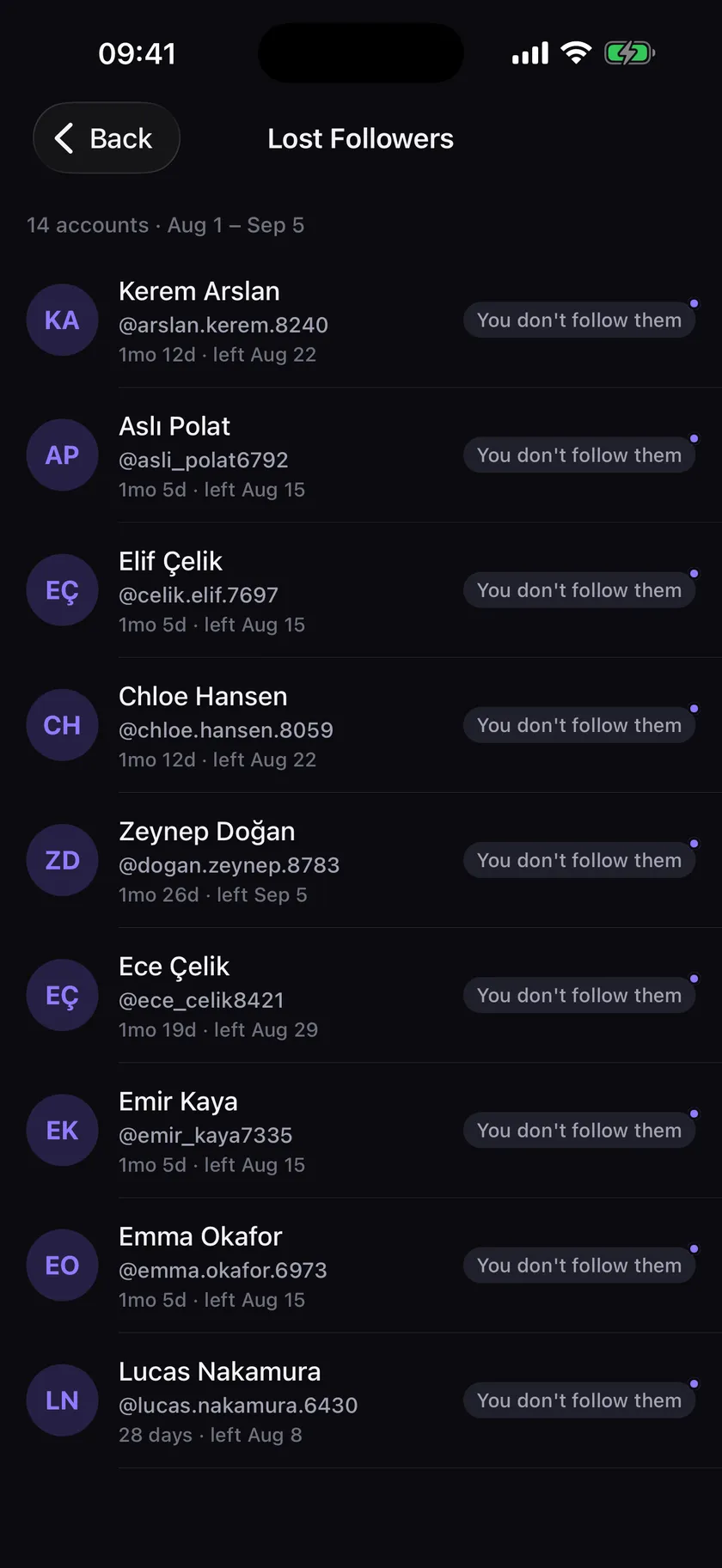
The whole point. Every account that left since your last update, listed by name and by date.
Now on the App Store and Google Play
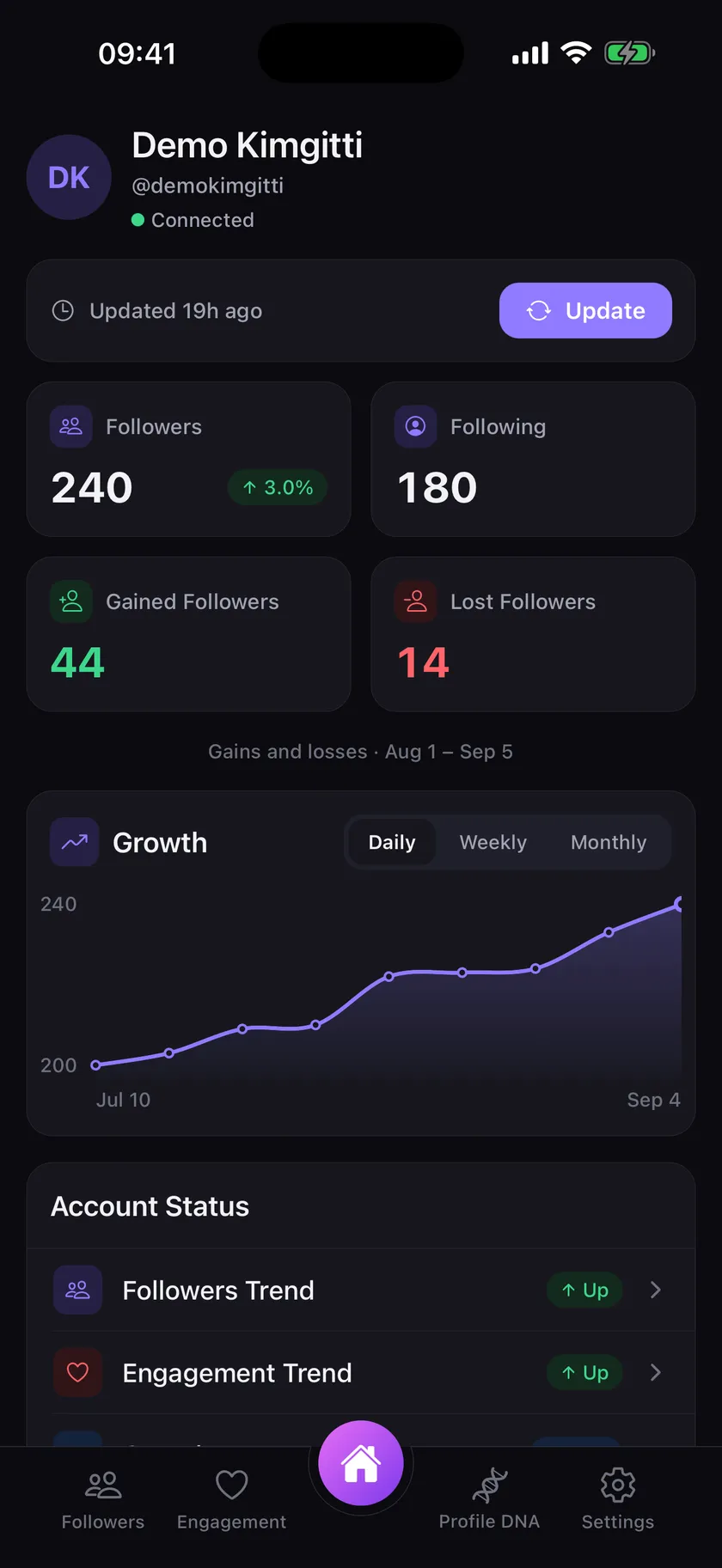
KimGitti is a mobile app for Instagram. See who left, who joined, and how your account grows, snapshot by snapshot.

Four short videos of what KimGitti shows you. They start muted; the speaker turns the sound on.
Every update lists who unfollowed you since the last one, and who doesn’t follow you back.
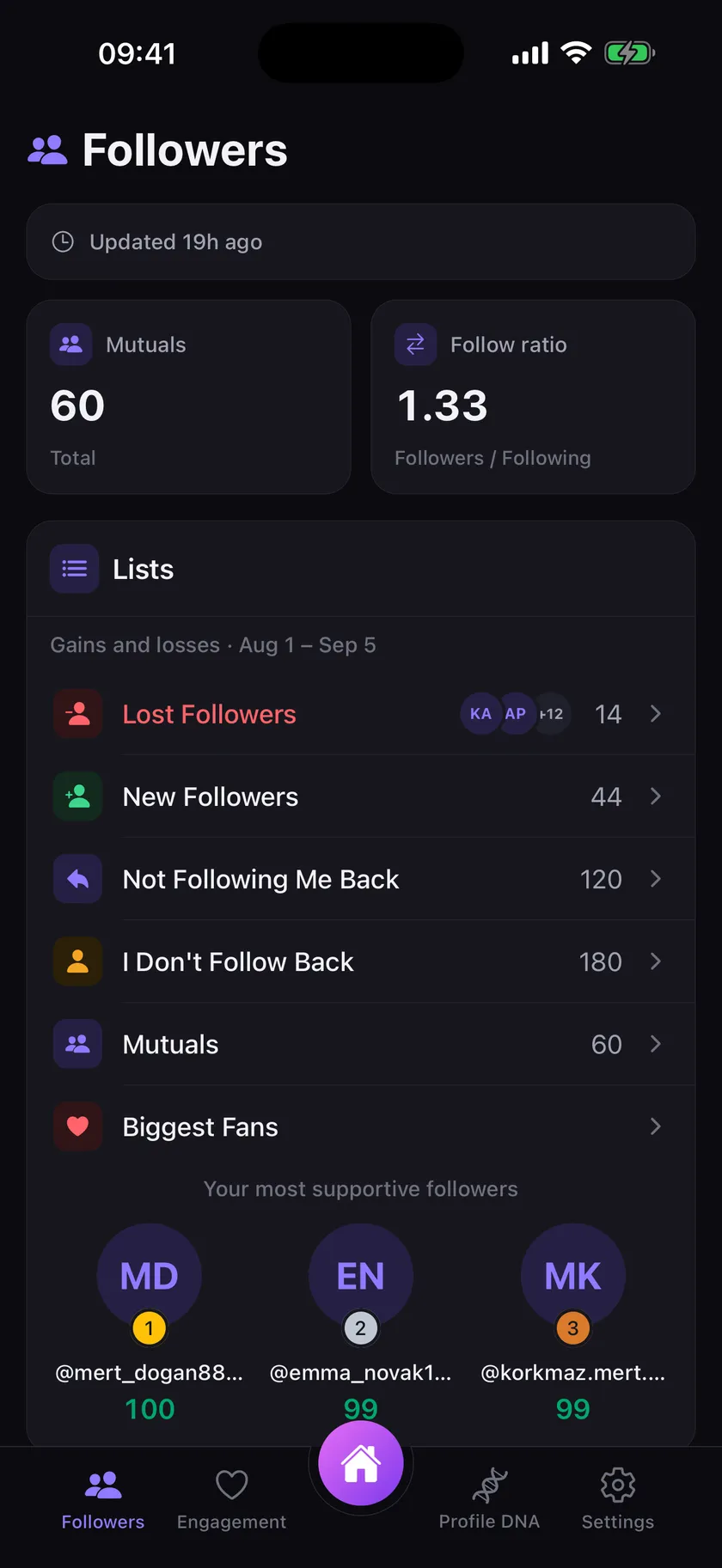
Fans ranked by their likes and comments, your Follower Score, and the fans who don’t even follow you.
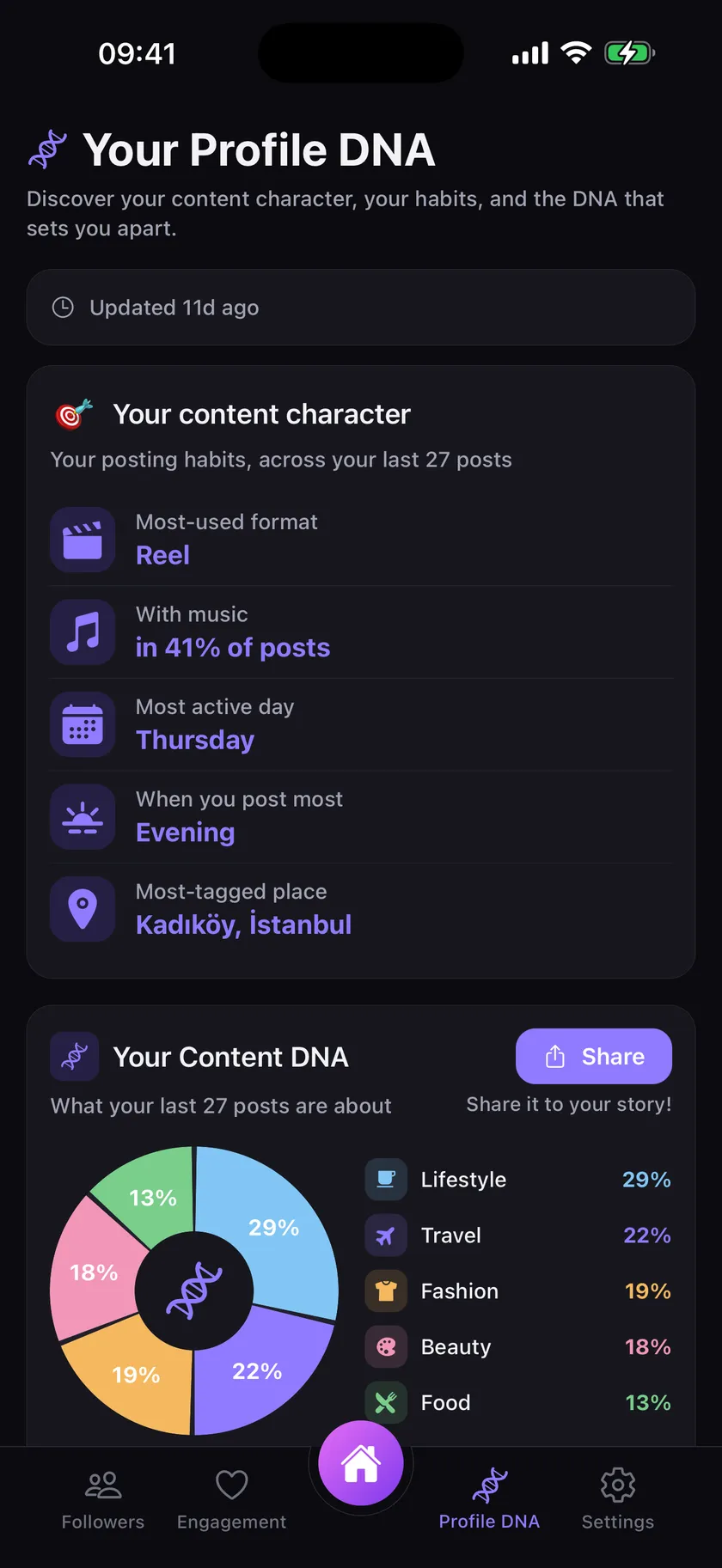
Your most-used format, how often you use music, your most active day and what your posts are really about.
A lighter one. Which one did you get?
The whole point. Every account that left since your last update, listed by name and by date.
New followers since your last update, so you can see what actually worked.
Who follows you back, who does not, and who you follow without a follow back.
Engagement per post and the trend across your recent posts, instead of a single vanity number.
With Apple or Google. No password to invent, nothing for us to lose.
You log in to Instagram inside the app, directly with Instagram. Your password is never seen, sent, or stored by us.
The app reads your own account from your own phone, then compares it with the last update to show you what changed.
Instagram doesn’t show who unfollowed you. Here are three ways to find out: a manual check, Instagram’s own data export, or an app that never asks for your password.
Instagram has no list of people who don’t follow you back. Find them with the profile label, with Instagram’s data export, or with an app that matches the two lists.
Can an app that shows who unfollowed you put your Instagram account at risk? Judge it on six checks: password, server logins, automation, speed, data, operator.
Does Instagram tell people when you unfollow them? No. How they can still notice, and how unfollowing, removing, blocking, restricting and muting differ.
If your Instagram follower count suddenly dropped, the cause may be unfollows, deactivated accounts or Instagram removing fake accounts. How to tell which one.
The app reads your account from your own phone, in your own logged-in session. It makes the same requests your browser makes when you scroll your follower list. There is no server logging in as you, no proxy, and no automation acting on your behalf: nothing is followed, unfollowed, liked, or posted.
No. You log in on Instagram’s own page inside the app. The session that results stays on your device and is never sent to us. We could not sign in as you even if we wanted to.
Instagram does not give any app your follower list. The only way to see who follows you is to be signed in as you. So you sign in yourself, on your own phone, and nothing leaves it but the result.
The follower and following lists of your own account, your post statistics, the differences between updates, and what your posts are about (the caption, the format, the music, and any place you tagged, with its coordinates). To work out what a post is about, that one post’s cover image, caption and place name are sent to Google’s Gemini API, never with your name or identifier. We never store another person’s account.
Everything is erased immediately: your account, your updates, your follower history. There is a Delete account button in the app’s settings, and nothing is retained afterwards.
KimGitti is free to download, and the basics stay free: your follower and following counts, who you follow without a follow back, your mutuals and your growth chart. Seeing who unfollowed you, who’s new and who doesn’t follow you back takes KimGitti Premium: a weekly, monthly or yearly subscription, priced in the app in your own currency. New subscribers can try the yearly plan free for 7 days.